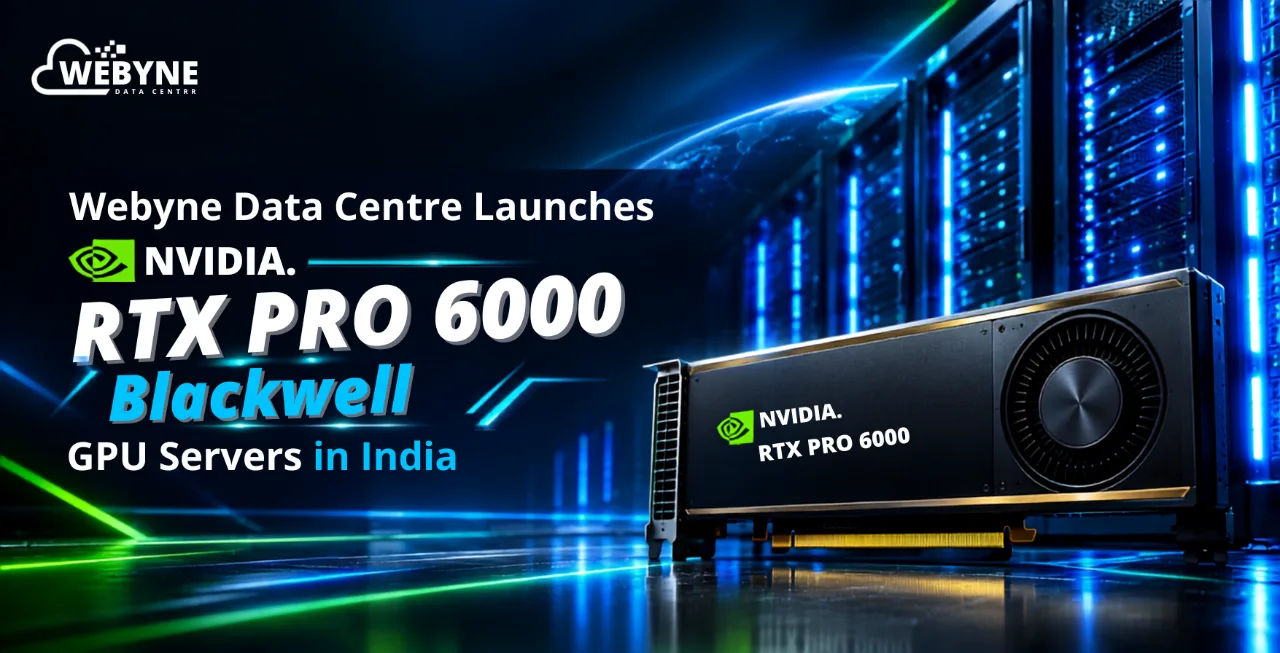
The NVIDIA RTX PRO 6000 Blackwell is the current flagship of NVIDIA's professional GPU line — 24,064 CUDA cores, 96 GB of GDDR7 ECC memory, 1,792 GB/s of bandwidth and up to 4,000 AI TOPS. It replaces the RTX 6000 Ada Generation, doubling both memory and bandwidth. In India, cards typically list between ₹13 lakh and ₹17 lakh, and hosted RTX PRO 6000 GPU servers rent from roughly ₹180 per hour.
If you searched for "NVIDIA RTX 6000" and landed here slightly confused about which card you were actually looking at, you are not alone. NVIDIA has shipped four different professional GPUs with "RTX 6000" in the name across four architectures. Getting that wrong is an expensive mistake — the gap between the oldest and newest is roughly 4× the memory and several times the AI throughput.
This guide sorts out the naming first, then covers what the current card does, what it costs in India, and whether it is worth buying at all versus renting one.
We operate GPU infrastructure from our own data centres in Noida and Mumbai, so the deployment and cost sections here come from running these cards, not from reading a datasheet.
First: Which "NVIDIA RTX 6000" Do You Actually Mean?
This trips up procurement teams constantly, because quotes and marketplace listings use the names interchangeably. Here is the full family in order.
| Card | Architecture | Launched | Memory | CUDA cores | |
|---|---|---|---|---|---|
| Quadro RTX 6000 | Turing | 2018 | 24 GB GDDR6 | 4,608 | |
| RTX A6000 | Ampere | 2020 | 48 GB GDDR6 ECC | 10,752 | |
| RTX 6000 Ada Generation | Ada Lovelace | 2022 | 48 GB GDDR6 ECC | 18,176 | |
| RTX PRO 6000 Blackwell | Blackwell | 2025 | 96 GB GDDR7 ECC | 48 vCPU |
Three practical notes:
- RTX 6000" with no suffix almost always means the Ada Generation card in current listings, because that was the naming NVIDIA used from 2022 to 2025. It is not the Blackwell card.
- NVIDIA changed the branding in 2025 to "RTX PRO," which is why the newest card is the RTX PRO 6000 Blackwell rather than the "RTX 6000 Blackwell." You will still see it written both ways, and as RTX 6000 PRO Blackwell, which is the same thing.
- If a quote just says "RTX 6000 48GB," it is a previous-generation card. The Blackwell part is 96 GB. Memory capacity is the fastest way to tell them apart.
Everything below refers to the current Blackwell card unless stated otherwise.
What Changed With Blackwell
The RTX PRO 6000 Blackwell was announced at NVIDIA GTC in March 2025. Compared to the RTX 6000 Ada it replaces, four things moved, and only two of them are the ones people talk about.
Memory doubled, and so did bandwidth. 48 GB of GDDR6 at 960 GB/s became 96 GB of GDDR7 at 1,792 GB/s, across a 512-bit bus instead of 384-bit. For AI inference this is the headline change, because token generation is memory-bandwidth-bound — every token generated requires reading model weights out of VRAM.
Tensor Cores gained native FP4. Fifth-generation Tensor Cores add NVFP4 support alongside FP8, BF16 and TF32. For quantised LLM serving, FP4 roughly doubles throughput over FP8 on compatible workloads. The "4,000 AI TOPS" figure NVIDIA quotes is an FP4 number — do not compare it against an older card's FP16 rating.
The media engines improved substantially. Four ninth-generation NVENC encoders and four sixth-generation NVDEC decoders, with 4:2:2 H.264 and HEVC support added. In Puget Systems' DaVinci Resolve testing, LongGOP media performance improved 43% over the RTX 6000 Ada and 114% over the RTX A6000 — a much larger jump than the overall average.
Power went up. The RTX 6000 Ada was a 300 W card. The Blackwell Workstation Edition runs at up to 600 W. This is the change that catches infrastructure teams out, and we will come back to it.
For context on realistic gains: Puget Systems measured an overall uplift of about 21% over the RTX 6000 Ada in DaVinci Resolve, with AI tests around 20% faster, but GPU Effects 78% faster. The pattern is consistent — where the workload leans on the new memory subsystem, RT cores or media engines, the gains are large. Where it does not, they are modest. Raw generational uplift alone rarely justifies the upgrade. Memory capacity usually does.
RTX PRO 6000 Blackwell Specifications
The Three Variants — Pick the Right One
All three carry the same 96 GB. They differ in power, cooling and where they physically belong.
| Workstation Edition | Max-Q Workstation | Server Edition | |
|---|---|---|---|
| Max board power | 600 W | 300 W | Configurable up to 600 W |
| Cooling | Active, double-flow-through | Active, blower | Passive — chassis airflow required |
| Length | 12 inches | Dual slot | 10.5 inches (fits 2U) |
| Deploy in | Single-GPU desktop tower | Up to 4 GPUs per workstation | Rack servers |
| NVIDIA vGPU | — | — | Supported |
| Display outputs | 4× DP 2.1b | 4× DP 2.1b | Present, disabled by default |
| Specification | Detail |
|---|---|
| Architecture | NVIDIA Blackwell (GB202) |
| CUDA cores | 24,064 |
| Tensor cores | 752 (5th generation) |
| RT cores | 188 (4th generation) |
| GPU memory | 96 GB GDDR7 with ECC |
| Memory interface | 512-bit |
| Memory bandwidth | 1,792 GB/s |
| AI performance | Up to 4,000 AI TOPS (FP4) |
| FP32 performance | ~125 TFLOPS |
| RT core performance | ~380 TFLOPS |
| System interface | PCIe Gen 5.0 x16 |
| Display outputs | 4× DisplayPort 2.1b |
| Video engines | 4× NVENC (9th gen), 4× NVDEC (6th gen) |
| MIG support | Up to 4× 24 GB, 2× 48 GB, or 1× 96 GB |
| NVLink | Not supported |
The Three Variants — Pick the Right One
All three carry the same 96 GB. They differ in power, cooling and where they physically belong.
| Workstation Edition | Max-Q Workstation | Server Edition | |
|---|---|---|---|
| Max board power | 600 W | 300 W | Configurable up to 600 W |
| Cooling | Active, double-flow-through | Active, blower | Passive — chassis airflow required |
| Length | 12 inches | Dual slot | 10.5 inches (fits 2U) |
| Deploy in | Single-GPU desktop tower | Up to 4 GPUs per workstation | Rack servers |
| NVIDIA vGPU | — | — | Supported |
| Display outputs | 4× DP 2.1b | 4× DP 2.1b | Present, disabled by default |
The Max-Q is the underrated option. It runs at half the power but, according to independent testing by AEC Magazine, delivers only around 12% lower performance across CUDA, AI and ray-tracing workloads. Four Max-Q cards give you 384 GB of VRAM at a combined 1,200 W. Four full-power cards need 2,400 W — which is more than many Indian office buildings can deliver to a single desk, let alone cool.
The Server Edition is the data centre part. It has no fan at all and depends entirely on chassis airflow, which is why it must go in a validated server. Some OEMs cap it below its ceiling for thermal headroom — Lenovo, for instance, lists a ThinkSystem configuration slot-capped at 450 W.
Where it sits in the wider RTX PRO Blackwell family
| GPU | Memory | CUDA cores | Typical fit |
|---|---|---|---|
| RTX PRO 4000 Blackwell | 24 GB | 8,960 | 7B–8B models, compact systems |
| RTX PRO 4500 Blackwell | 32 GB | 10,496 | Quantised 13B, CAD plus light AI |
| RTX PRO 5000 Blackwell | 48 GB / 72 GB | 14,080 | Quantised 70B, memory-bound work |
| RTX PRO 6000 Blackwell | 96 GB | 24,064 | 70B at FP8, MIG multi-tenancy |
What Fits on 96 GB
The single most useful question, answered directly. Figures are approximate and shift with context length, batch size and serving engine.
| Model size | FP16 | FP8 | 4-bit |
|---|---|---|---|
| 7B–8B | ~16 GB ✅ | ~8 GB ✅ | ~5 GB ✅ |
| 13B | ~26 GB ✅ | ~14 GB ✅ | ~8 GB ✅ |
| 32B | ~64 GB ✅ | ~34 GB ✅ | ~20 GB ✅ |
| 70B | ~140 GB ❌ | ~70 GB ✅ | ~40 GB ✅ |
| 120B+ | ❌ | ❌ | Tight / multi-GPU |
The case that sells this card is 70B at FP8. Weights land around 70 GB, leaving roughly 26 GB for KV cache — enough for moderate batch sizes at standard context lengths, on one GPU. On a 48 GB RTX 6000 Ada, the same model requires aggressive quantisation or a second card.
Remember that KV cache scales linearly with sequence length and concurrency. If you serve 32k or 64k context under real traffic, that 26 GB of headroom disappears faster than a spec sheet suggests. Size for your P95 load, not your demo.
Key Benefits for Indian Enterprises
- One card, one large model. Removes the need for multi-GPU orchestration on models up to 70B.
- MIG partitioning. Split one physical GPU into up to four fully isolated instances with dedicated memory, cache, compute and guaranteed QoS. Four teams, four tenants, or four small models on one card with hard isolation.
- AI and graphics on the same silicon. Unlike a pure accelerator, this card does ray-traced rendering, simulation and video transcoding well. Fewer fleets to buy and manage.
- ECC memory. A silent bit flip fourteen hours into a fine-tuning run is an expensive lesson in why professional cards cost more than consumer ones.
- vGPU on the Server Edition. Central virtual workstations for engineering teams instead of shipping ₹5 lakh desktops to every seat.
- Data residency. For BFSI, healthcare and government workloads under the DPDP Act, where the GPU physically sits is a compliance question, not a preference.
Where It Is Used
Real deployments we see in India cluster around six patterns: in-house LLM inference and RAG for regulated industries; multi-tenant AI platforms built on MIG; OTT and broadcast transcoding pipelines that also run AI; AEC and manufacturing visualisation with large BIM and CAE models; hosted virtual workstations for distributed engineering teams; and genomics and scientific computing, where NVIDIA reports nearly 7× faster sequencing on the Server Edition versus the previous-generation L40S.
NVIDIA RTX PRO 6000 Blackwell Price in India
What the card costs
Indian reseller listings observed in September 2026:
| Variant | Indicative India listing |
|---|---|
| RTX PRO 6000 Blackwell Max-Q Workstation | ~₹13.0 lakh |
| RTX PRO 6000 Blackwell Workstation Edition | ~₹14.0 lakh – ₹16.0 lakh |
| Workstation Edition, premium listings | ~₹17.0 lakh |
| RTX PRO 6000 Blackwell Server Edition | Quote-only, OEM channel |
Before comparing any two quotes, confirm three things: which variant it is (Workstation, Max-Q or Server), whether GST is included, and the quote date. Indian marketplace listings conflate the variants constantly, and the price difference between them is real money.
Why this price is a moving target
The card launched at an MSRP of $8,565. As of September 2026, price trackers report NVIDIA's own marketplace listing it near $16,000 — roughly an 87% increase in about eighteen months.
The cause is the GDDR7 memory shortage. This card carries 96 GB of GDDR7 in a clamshell arrangement, the largest VRAM buffer of any workstation-class card, which makes it unusually exposed to memory supply constraints. There is no clear near-term relief, and Indian distributors have flagged continued price increases across the enterprise Blackwell line.
The honest advice: treat every published India price, including the table above, as a snapshot. Get a dated quote before you commit budget, and re-check it if procurement takes more than a few weeks.
Landed cost if you import directly
| Component | Rate | Notes |
|---|---|---|
| Basic Customs Duty (BCD) | Generally 0% | Computer components and servers under ITA-1, subject to correct HS classification |
| Social Welfare Surcharge | 10% of BCD | Effectively zero when BCD is zero |
| IGST | 18% on assessable value | Creditable as input tax credit for GST-registered businesses |
| Freight, insurance, clearance | Varies | A few percent on a high-value item |
Two things actually go wrong in practice. HS code misclassification — a GPU classified as "other electronic components" rather than under data-processing machines can attract unexpected duty and clearance delays. And valuation disputes, where customs questions a declared value that sits below observed market rates. Keep the purchase order, commercial invoice, manufacturer price list and shipping documents together, and use a broker who has cleared GPUs before.
The costs that are not the card
Across the deployments we have built, the GPU is often less than half the total spend:
- Server chassis and platform validated for a passive 600 W card — airflow, not just free slots
- Power supply headroom for the card plus CPUs, storage and networking
- Electricity at Indian commercial tariffs, running near full load, plus cooling overhead
- Rack space in a facility that can actually deliver high per-rack power density
- NVIDIA AI Enterprise or vGPU licensing, where required
- Warranty terms — Blackwell professional GPUs are commonly sold on non-cancellable, non-returnable (NCNR) terms through distribution, sometimes with a 52-week window. Read this clause before signing.
Budget 40–70% on top of the card price for a production-ready node.
Important Factors Before You Deploy
- Chassis airflow, not slot count. The Server Edition has no fan. Deploying it in an unvalidated chassis produces thermal throttling that gets misdiagnosed as a software problem for weeks.
- Rack power density. Many Indian colocation facilities are provisioned for 5–7 kW per rack. A multi-GPU node exceeds that. Confirm available power per rack before you order hardware.
- The 600 W step change. If you are replacing 300 W cards one-for-one, your power and cooling design does not carry over.
- Driver branch compatibility. Professional cards use the enterprise driver branch on a quarterly cadence. Validate against your hypervisor, inference server and CUDA version before purchase.
- Lead times and NCNR terms. Long non-cancellable windows are common through distribution right now.
- Compliance and data residency. For regulated Indian workloads, hosting inside an Indian data centre is often the deciding factor rather than a nice-to-have.
- Measure before you buy. Run the pilot on rented capacity, get real utilisation numbers, then decide on ownership.
Common Mistakes
- Ordering a Workstation Edition for a rack server. The 600 W active card is 12 inches long with a tower-oriented cooler. The Server Edition is the rack part, and it is shorter for a reason.
- Assuming "RTX 6000" in a quote means Blackwell. It usually means Ada. Check the memory figure: 48 GB is the old card, 96 GB is the new one.
- Believing the "up to 7 MIG instances" claim. Several reseller pages copy that number from the A100/H100 line. On this card it is up to four.
- Comparing 4,000 AI TOPS against an older card's FP16 number. Different precisions entirely.
- Sizing for model weights and forgetting KV cache. A 70B FP8 model plus long context and real concurrency will use the remaining 26 GB quickly.
- Planning multi-GPU scale-up without NVLink. Four cards do not behave like one 384 GB device.
- Treating a three-month-old quote as a budget. In the current memory market, it is not.
How We Host the RTX PRO 6000 Blackwell
We run RTX PRO Blackwell GPUs from our own facilities in Noida and Mumbai, and serve North American customers from our Canadian data centre at pricing closer to Indian rates.
For an Indian enterprise, that means single-tenant dedicated GPU servers with no shared card, Indian data residency for DPDP-bound workloads, INR billing that keeps you out of currency exposure on a volatile hardware market, MIG partitioning where you want to serve several teams from one GPU, and chassis validated for passive 600 W cards so thermal throttling is not your problem to debug.
No capex, no NCNR lock-in, no customs clearance to manage.
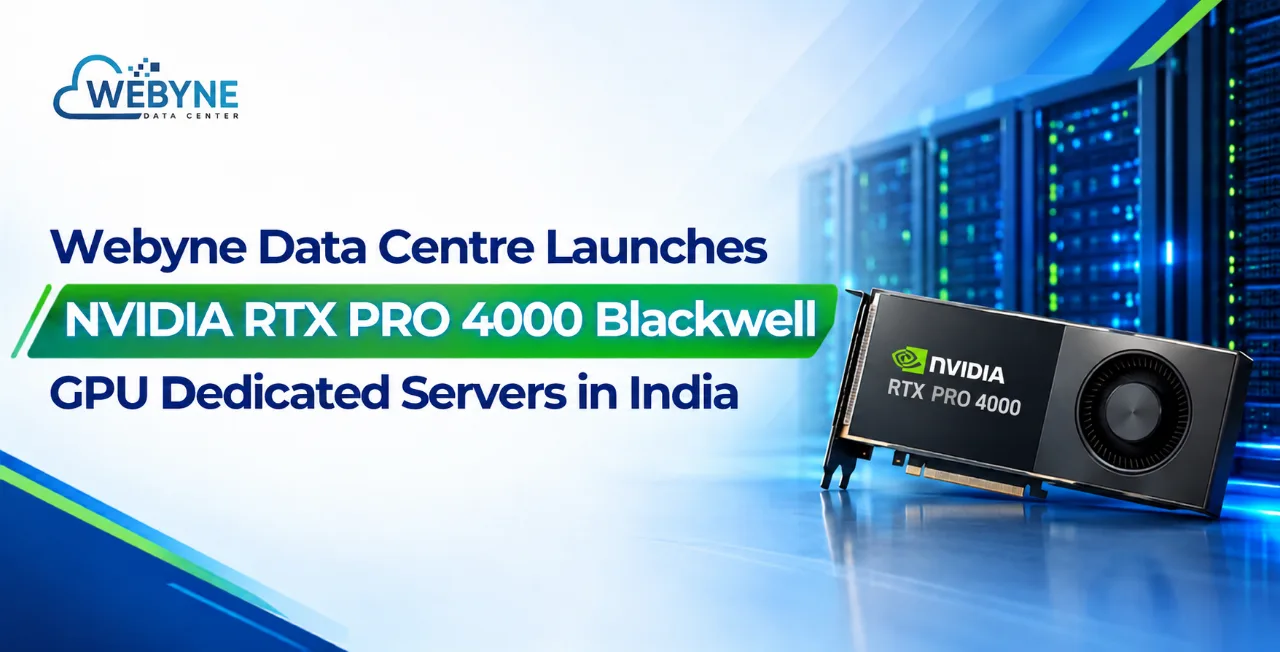
And if it turns out you do not need 96 GB, we will tell you. A significant share of the workloads people arrive asking about the RTX PRO 6000 for run comfortably on an rtx pro 4000 blackwell at a fraction of the cost.